Platforms
YouTube
Connect YouTube and manage video publishing from Amplypost
Connect your channel through Google authorization and publish video content from the same workspace as your social posts.
How to connect YouTube
1
Choose YouTube from Connected Accounts.
2
Sign in with Google and select the channel.
3
Upload your video, add details, and publish or schedule.
Connection walkthrough
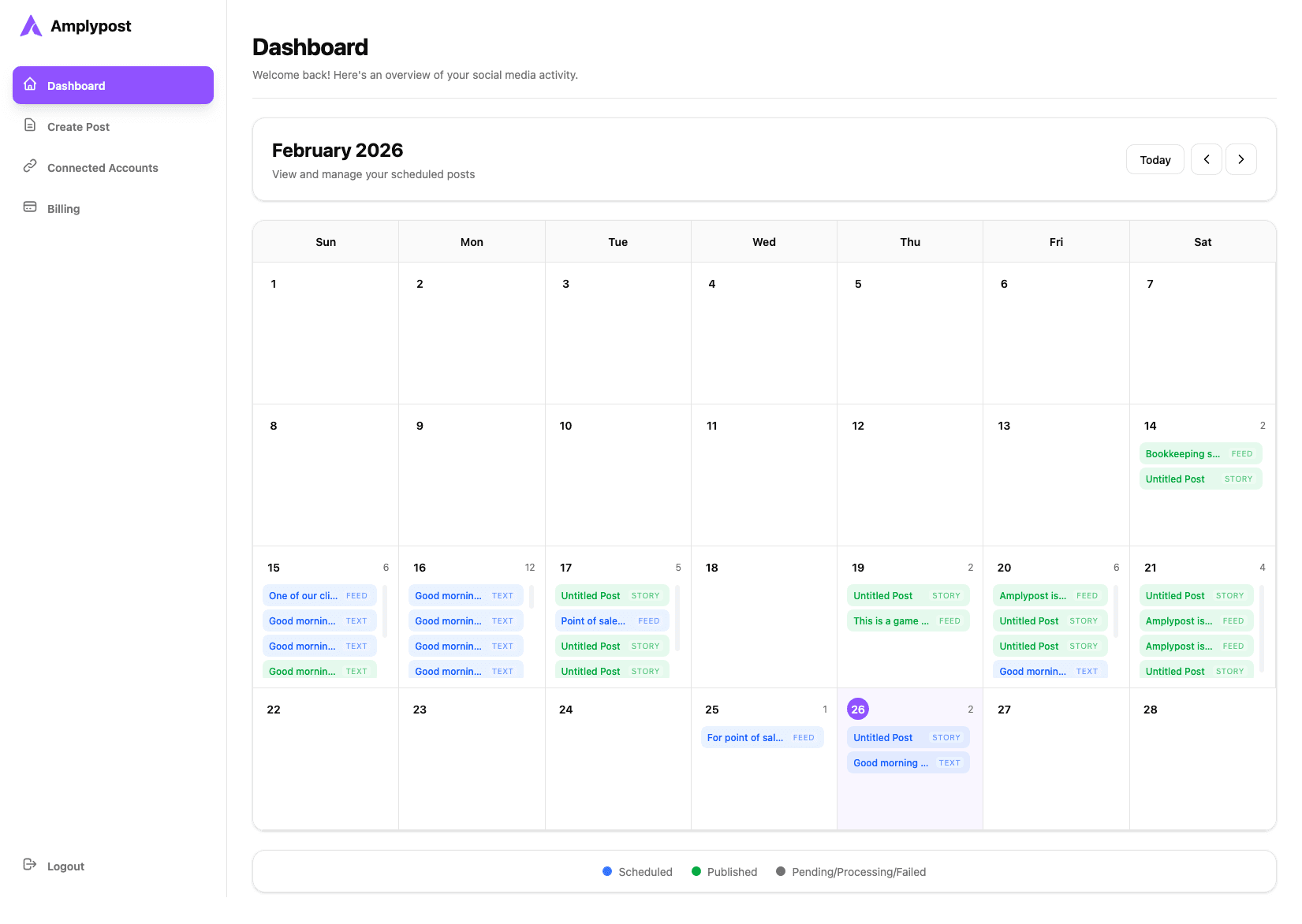 YouTube connection video coming soon
This page is ready for the final platform-specific video embed when the walkthrough is available.