Platforms
Instagram
Plan Instagram posts and stories in one workflow
Connect Instagram through the supported authorization flow, then create, schedule, and publish visual content from Amplypost.
How to connect Instagram
1
Choose Instagram from Connected Accounts.
2
Authorize the Instagram account or connected Facebook flow.
3
Confirm the account and start creating posts.
Connection walkthrough
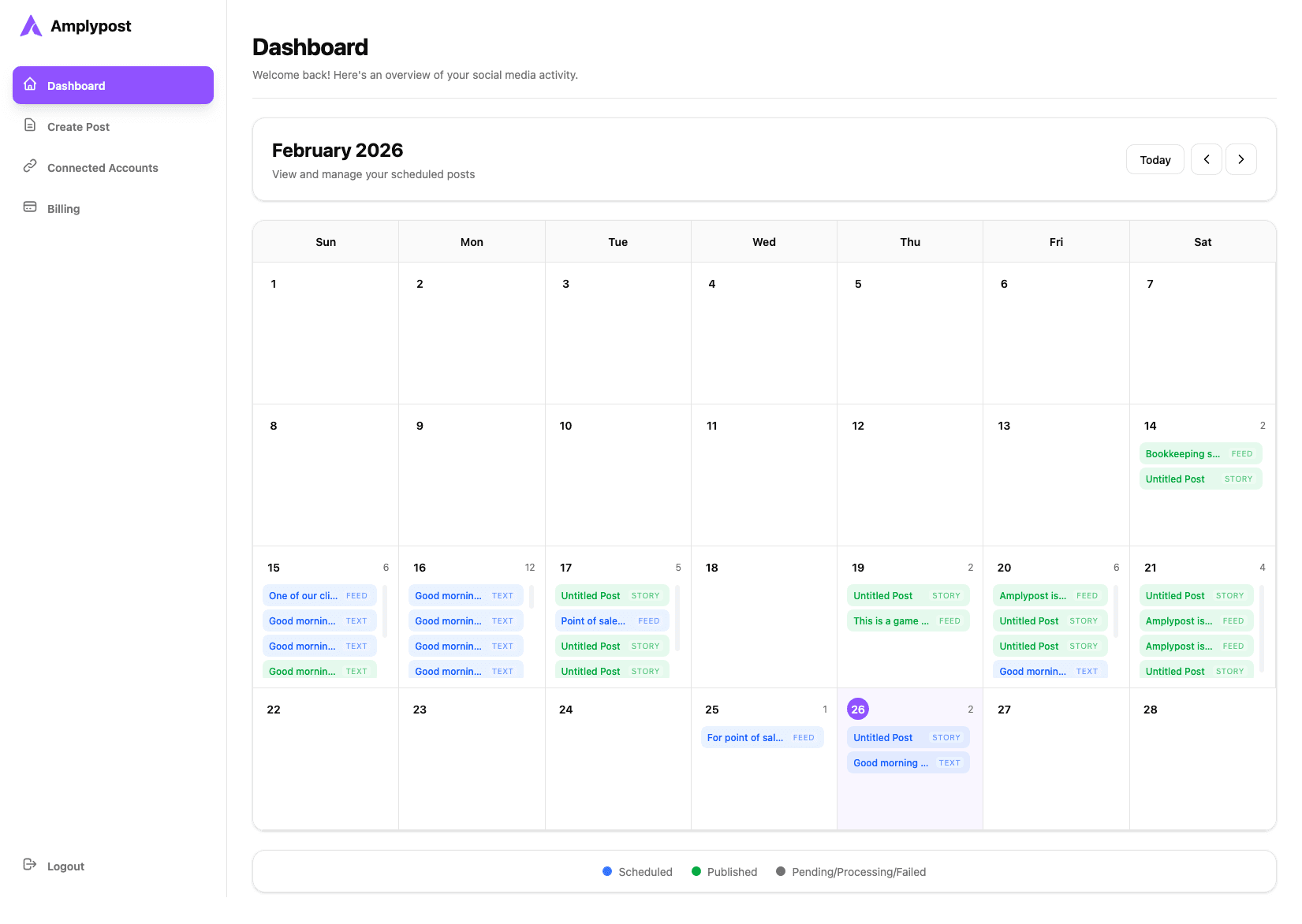 Instagram connection video coming soon
This page is ready for the final platform-specific video embed when the walkthrough is available.